Multi-Tool Approach (Brainboard | Former2 | cf2tf)
Overview
A standardized approach to convert existing cloud infrastructure and CloudFormation templates into Terraform, using visual design, infrastructure discovery, and CLI-based tools for safe and efficient IaC adoption.
What This Document Is Used For
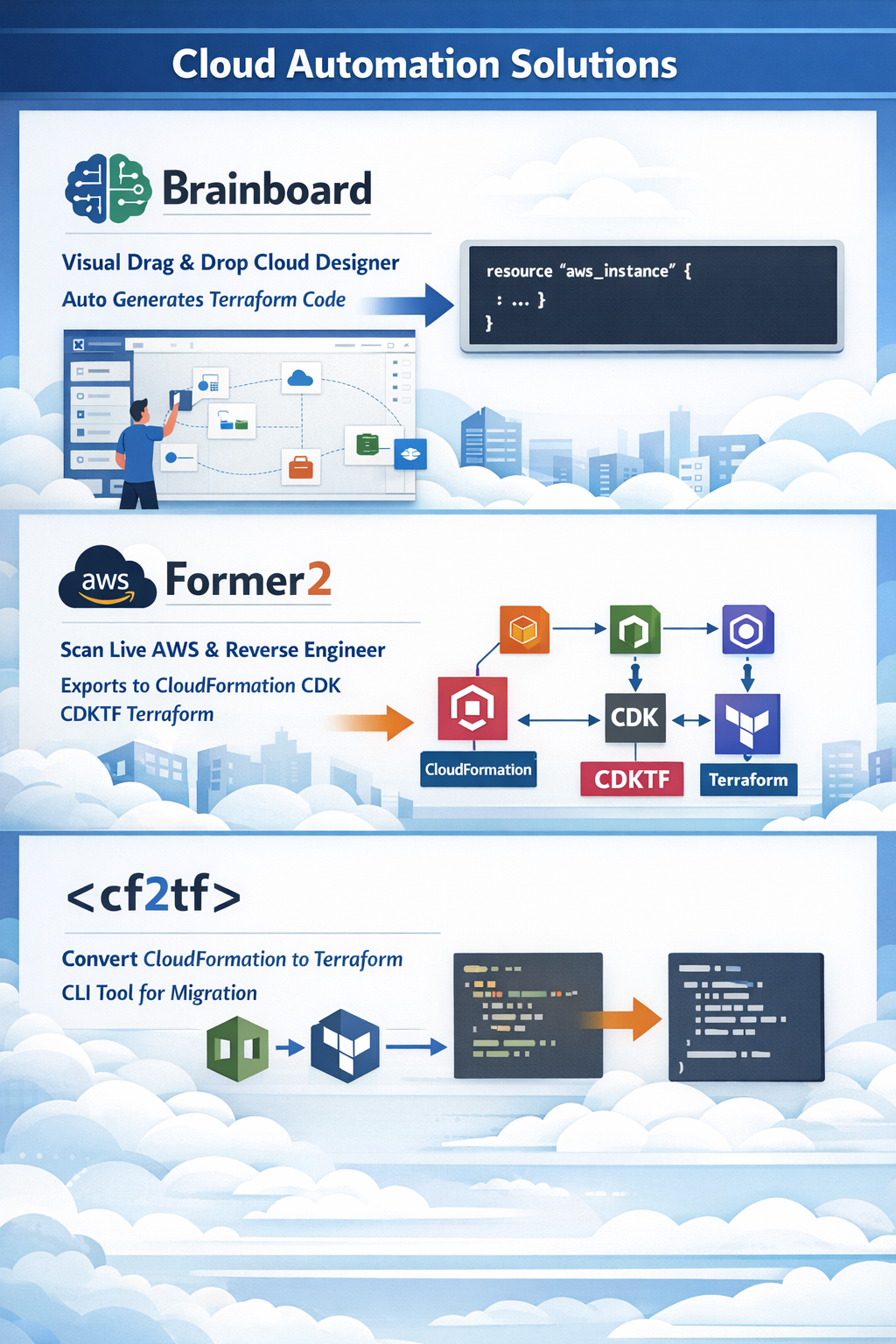
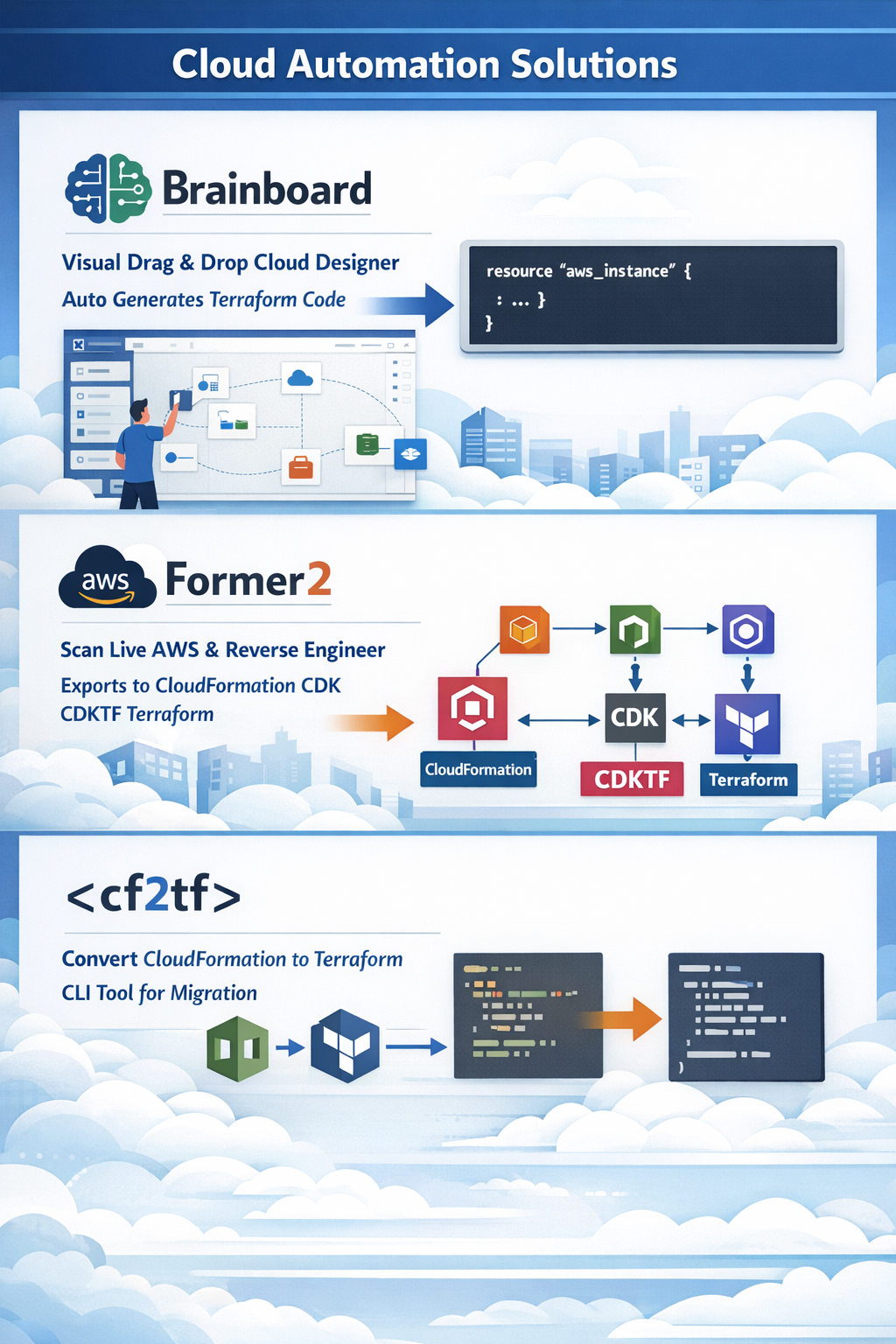
Brainboard: Visual drag and drop tool for designing cloud architectures; auto generates Terraform code.
Former2: Scans live AWS resources and reverse-engineers them into CloudFormation CDK CDKTF Terraform code + diagrams.
cf2tf: CLI tool that converts existing CloudFormation templates to Terraform
BRAINBOARD
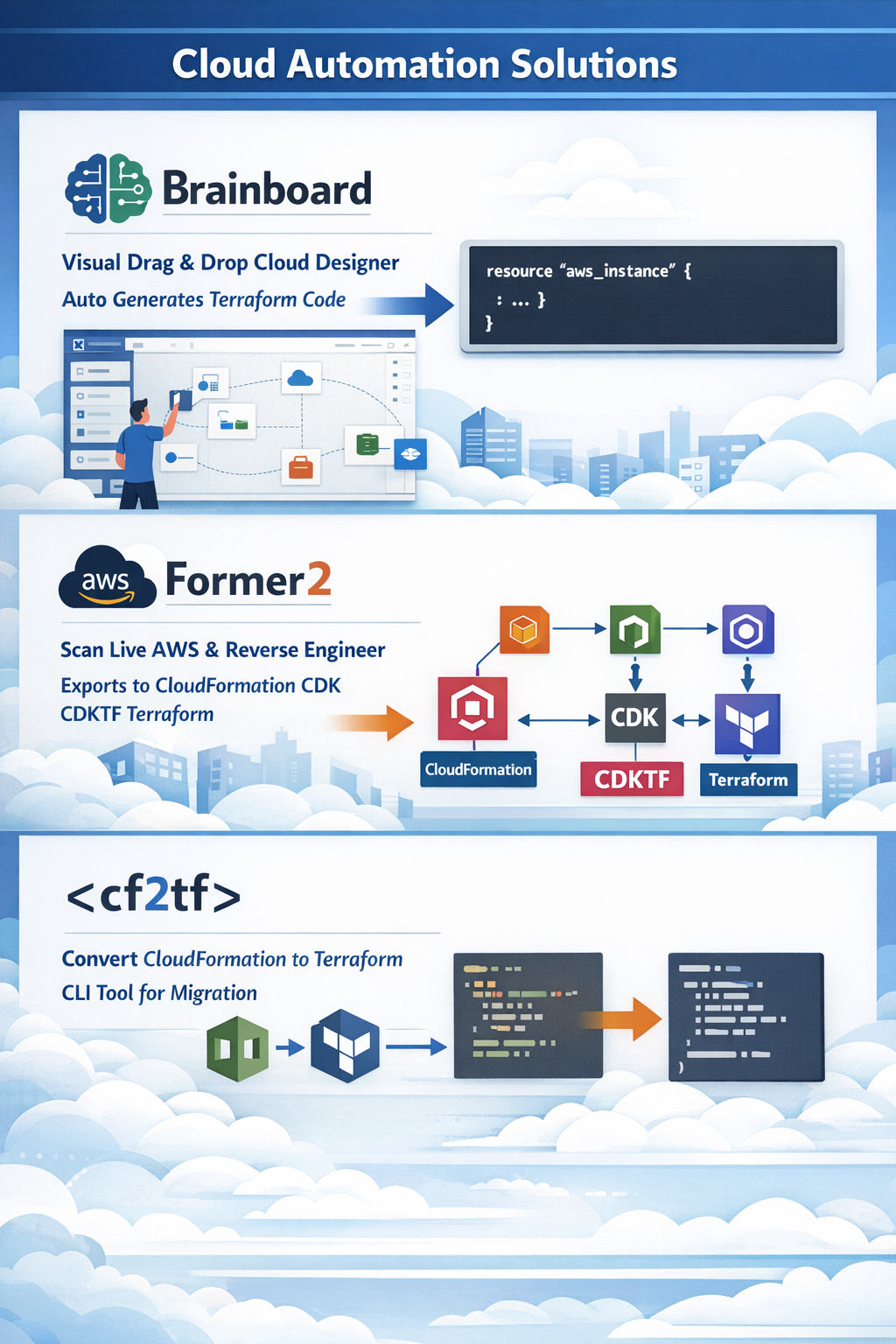
Brainboard is a collaborative platform that helps users design and manage cloud infrastructures visually. It’s used by cloud and solution architects, DevOps, and platform engineers.
Brainboard’s features include:
● Design first, code when needed: Users can design their infrastructure first, and then Brainboard automatically generates the code.
● Built-in security checks: Brainboard anticipates security risks with its built-in security checks.
● CI/CD engine: Brainboard’s built-in CI/CD engine automates deployments.
● Approval system: Brainboard’s approval system allows users to scale their infrastructure in a controlled way.
● Self-serve model: Brainboard helps users build a self-serve model where developers and product owners can be autonomous.
● Templates: Brainboard includes over 50 cloud architecture templates for Azure, AWS, and GCP.
● Connectors: Brainboard includes connectors that link two components together. Brainboard is available on the AWS Marketplace and the Microsoft Azure Marketplace.
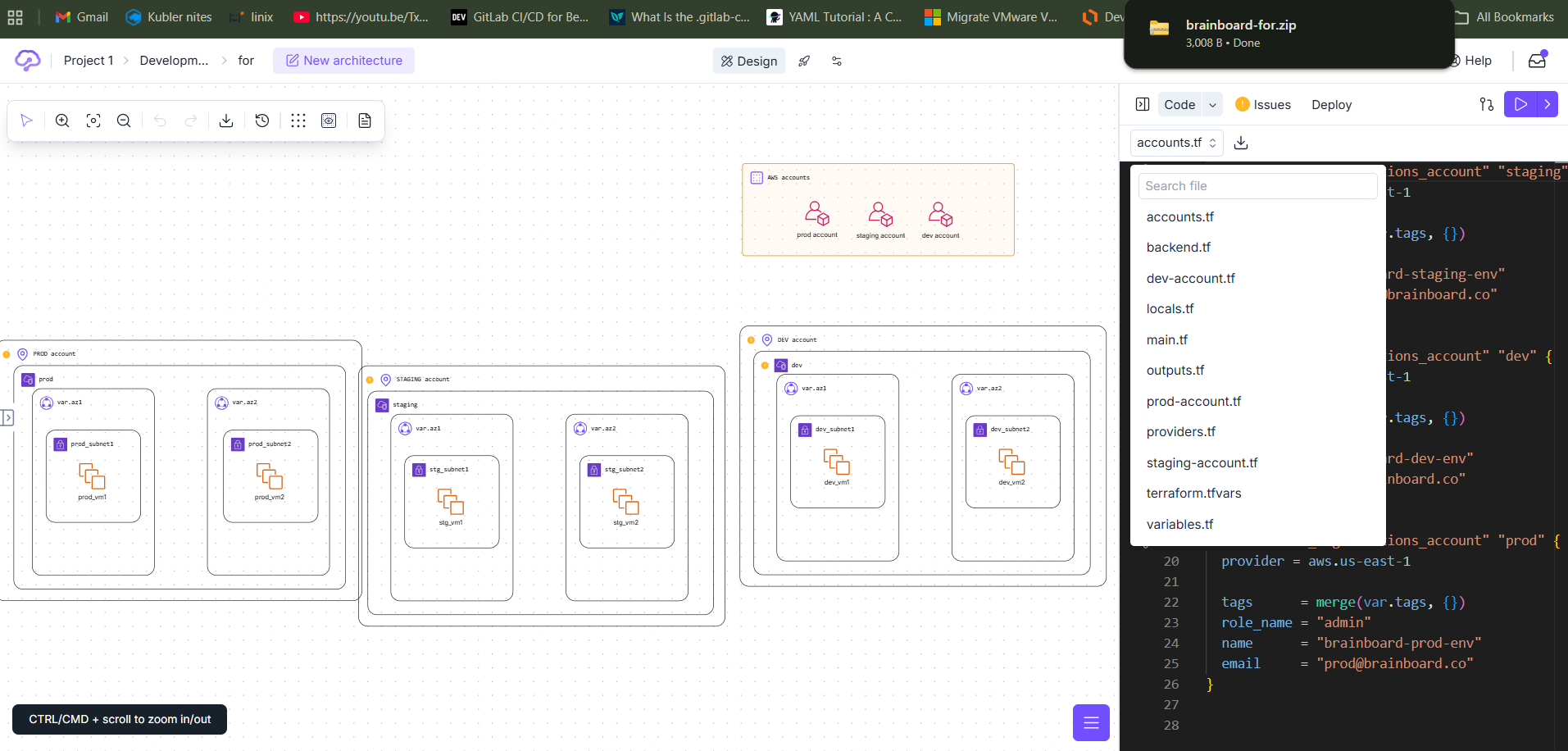
Step1: Ones login to page you can select the option we can use Ai
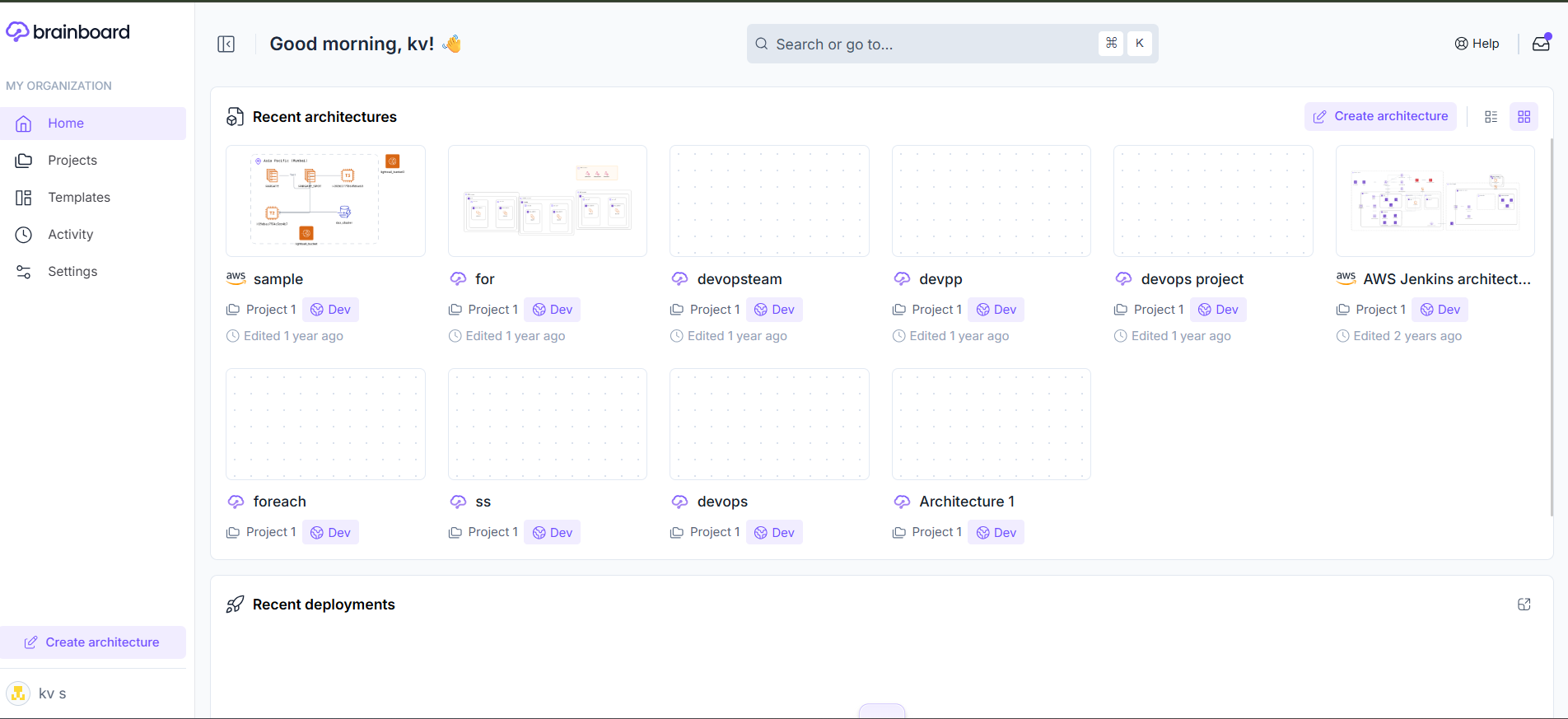
Step2: draw the it will generate terraform resources and diagram also
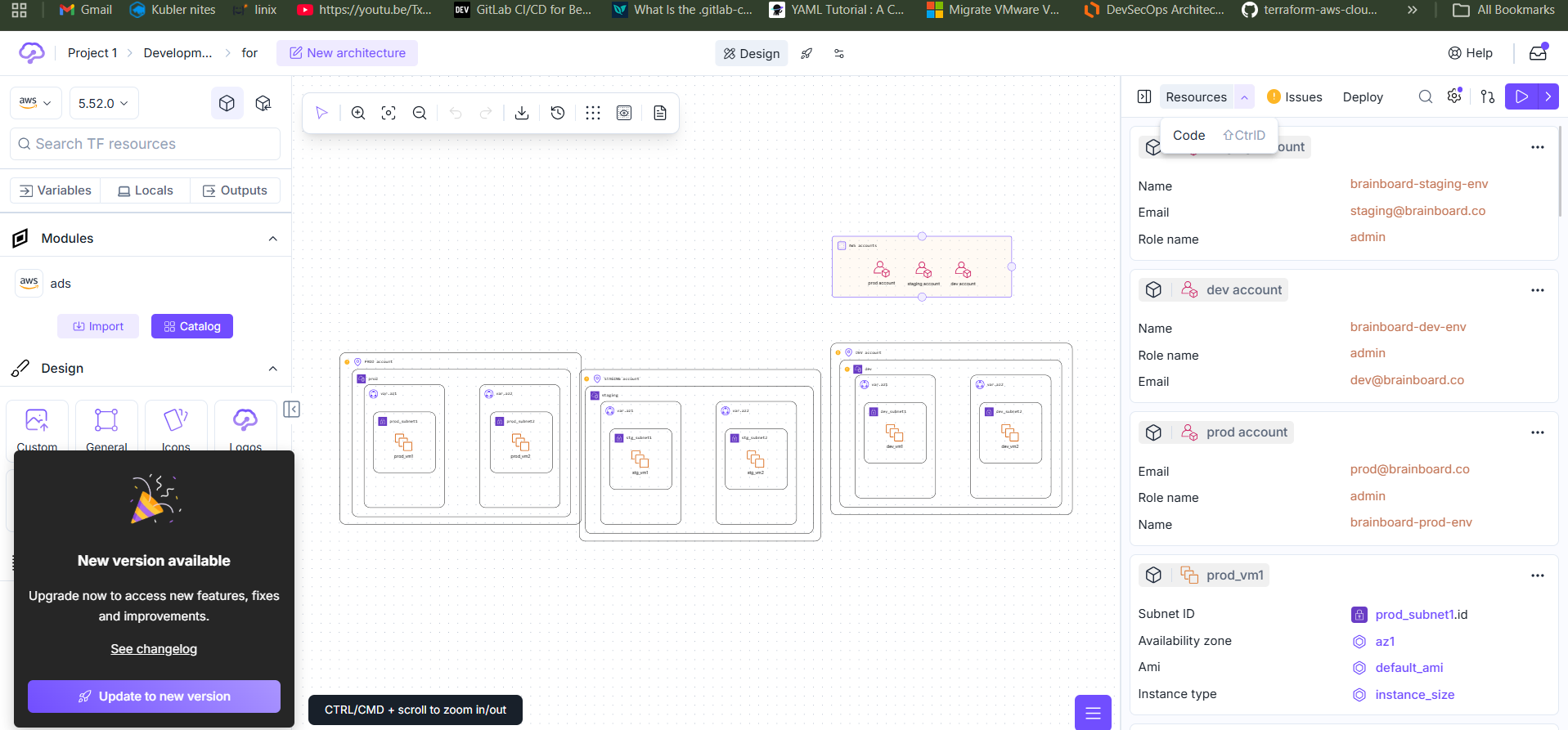
Note : it support the multiple cloud free also and paid plan also i am used free account aws it will support 80% i try working free aws account try
Ref: https://www.brainboard.co/
Officdoc: https://docs.brainboard.co/getting-started/fast-track
Official channel: https://www.youtube.com/@brainboard/playlists
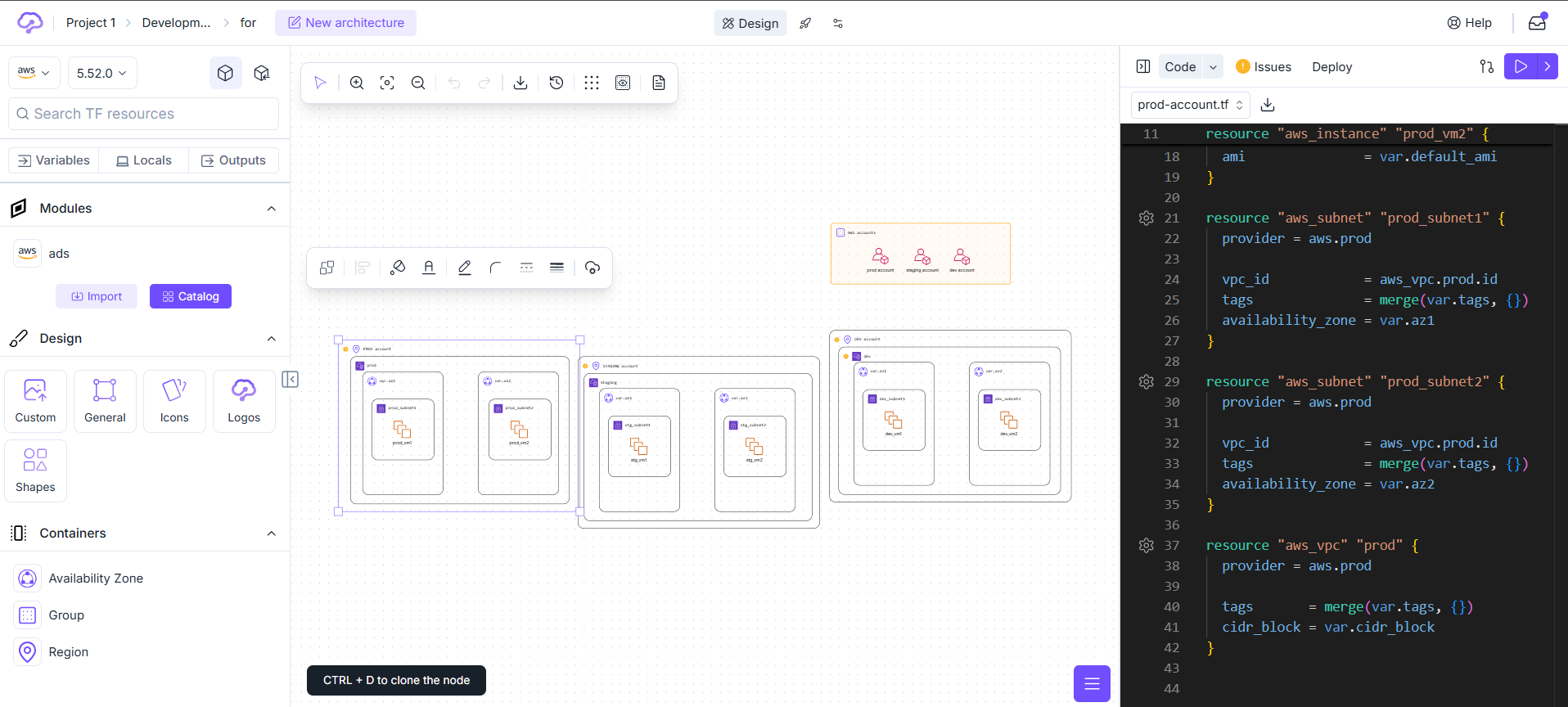
step3: click → Resource ->code you can see code and
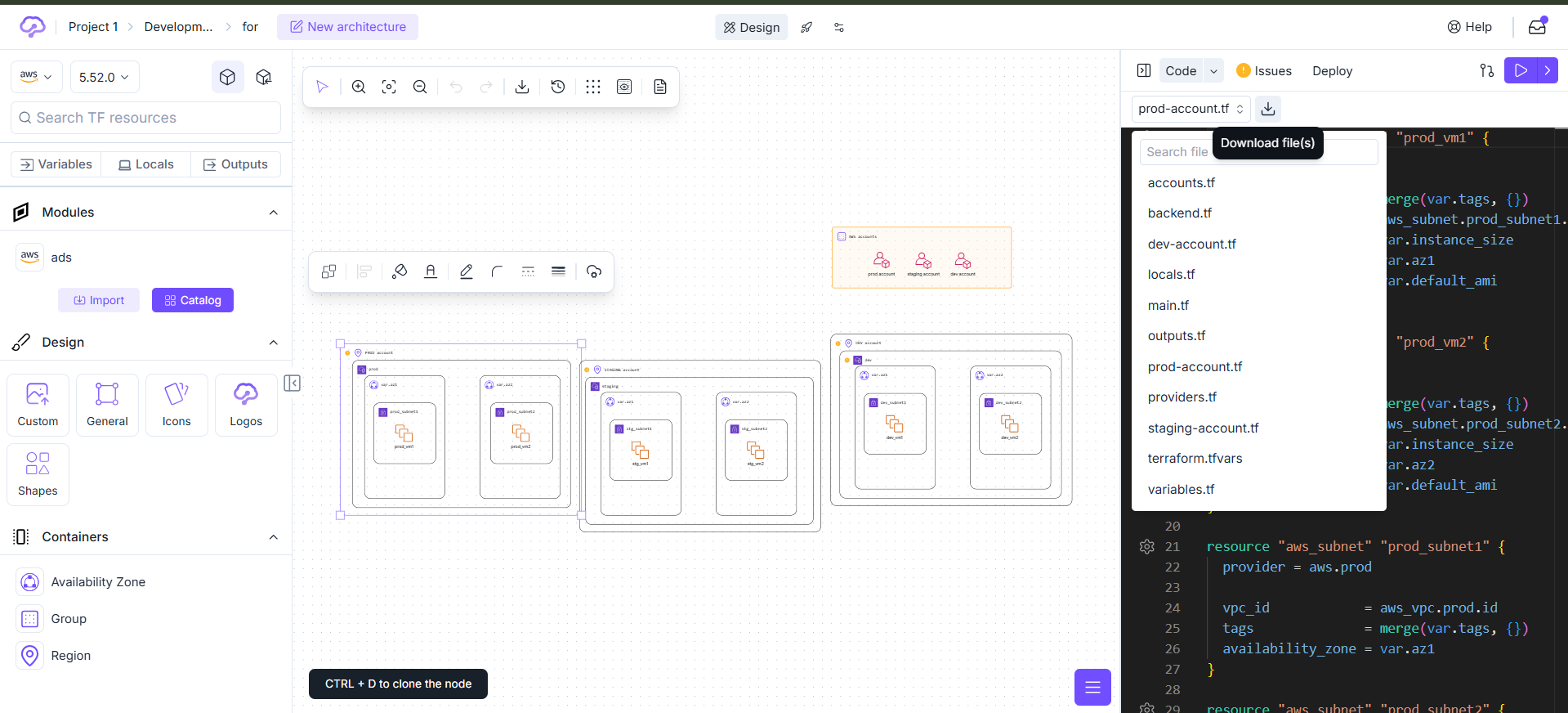
Step4: click → i want see the all files -> click on download
FORMER2
Introduction:
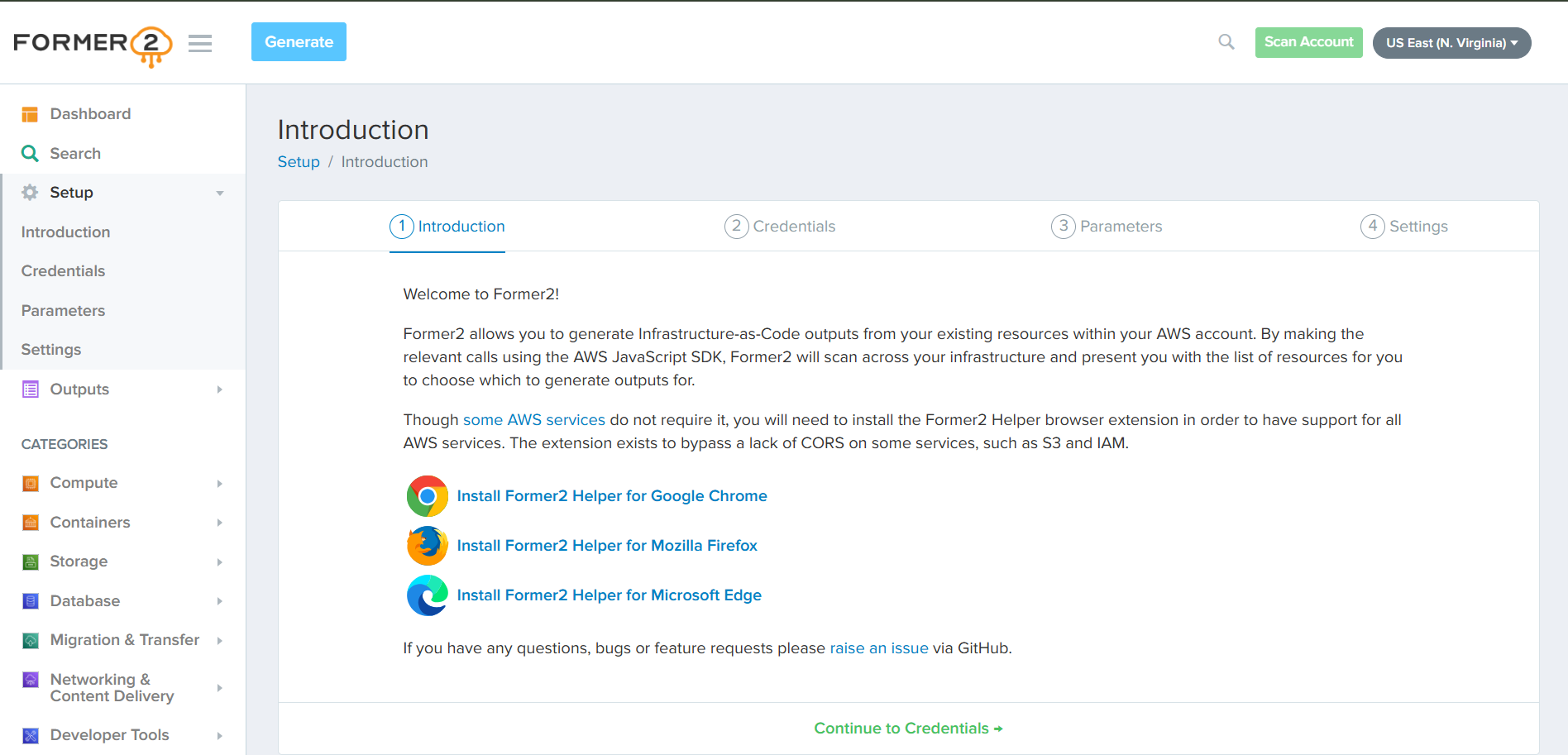
Former2 allows you to generate Infrastructure-as-Code outputs from your existing resources within your AWS account. By making the relevant calls using the #AWS JavaScript SDK, Former2 will scan across your infrastructure and present you with the list of resources for you to choose which to generate outputs for.
Former2 allows you to generate Infrastructure-as-Code outputs from your existing resources within your AWS account check Below link
https://aws.amazon.com/blogs/opensource/accelerate-infrastructure-as-code-development-with-op en-source-former2/
NOTE: Former2 is support only in AWS cloud check and use this iam Read Only Access work here i this tool These tools save time, but manual review is still important for accuracy. Pre-requisites :
● an Aws account with appropriate permissions.
● Access key and secret access keys should be created READ ONLY within the aws account. it works
Procedure :
Step-1 : Open a google chrome window and type former2 in the search bar. Click on the first link, it will navigate up to the former2 dashboard.
Step-1: Open a google chrome window and type former2 in the search bar. Click on the first link, it will navigate up to the former2 dashboard.

Step2 : Setup your AWS ACCESS KEY and SECRET ACCESS KEY in the credentials and click on scan account to get connected with your aws account. Read only access worksOnce dashboard opens click on setup and click on credentials
Step-3 : Once the Aws Account gets connected with the former2 tool. select your region and view the resources within the account. Scan Select your region on the top right. My selection is us-east-1. Click Search/Search again -> go to dash bode
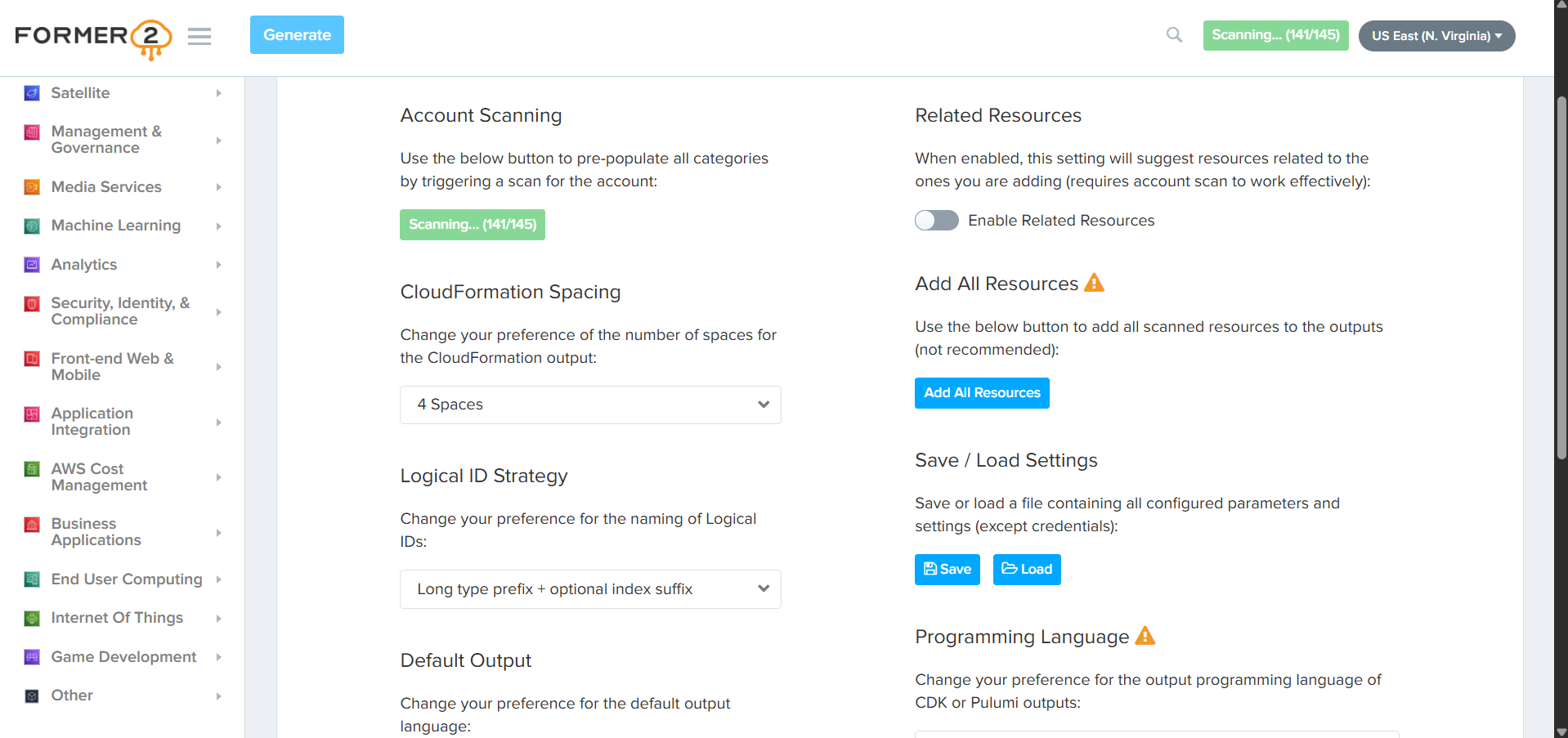
click on --> go to dash bode
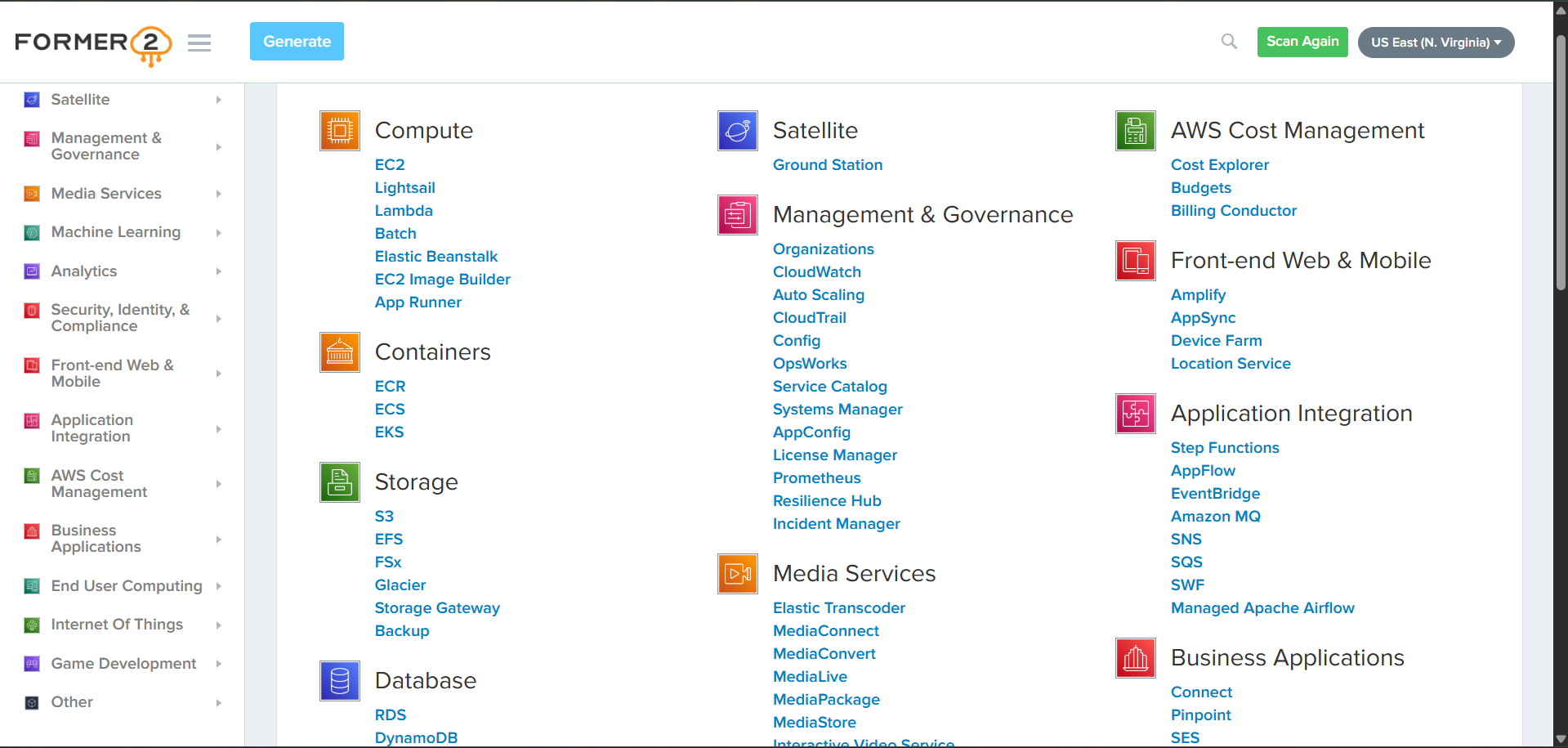
Step-4 : select the services Click the Generate button on the top of the page
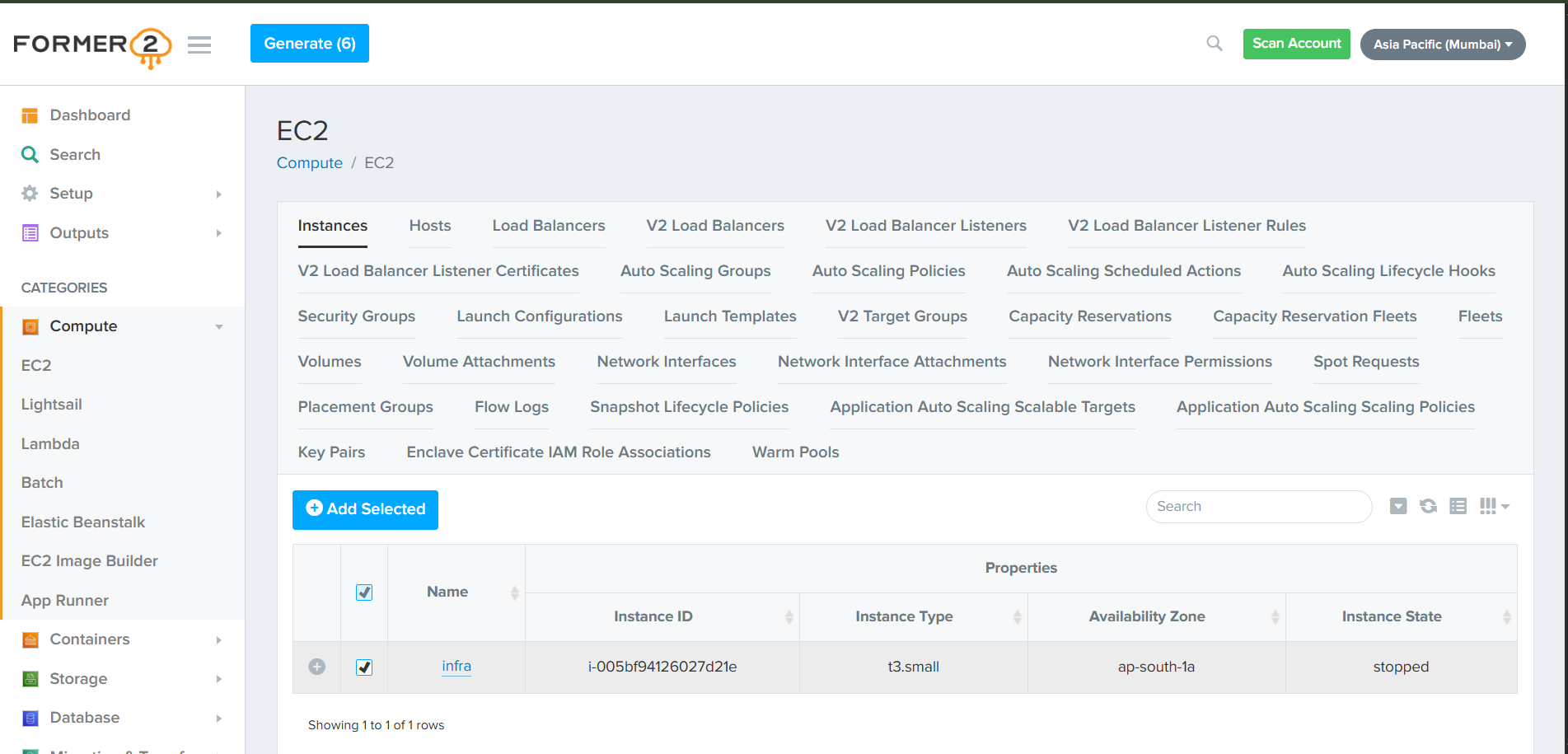
Step-5 : And … Magic You will be taken right away to the Output section, with a CloudFormation template ready for you IAC and CDK,CDKTF,PULIMI
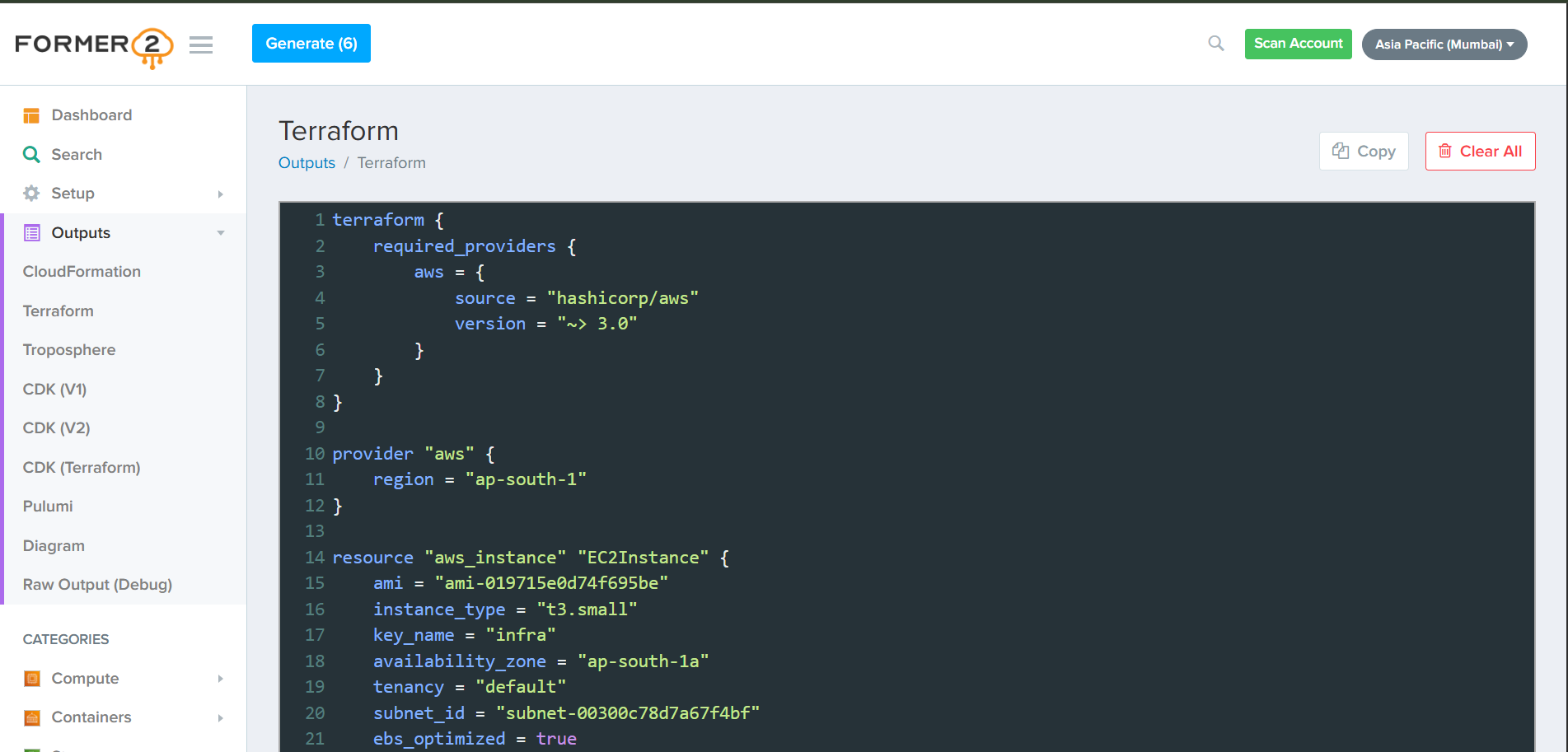
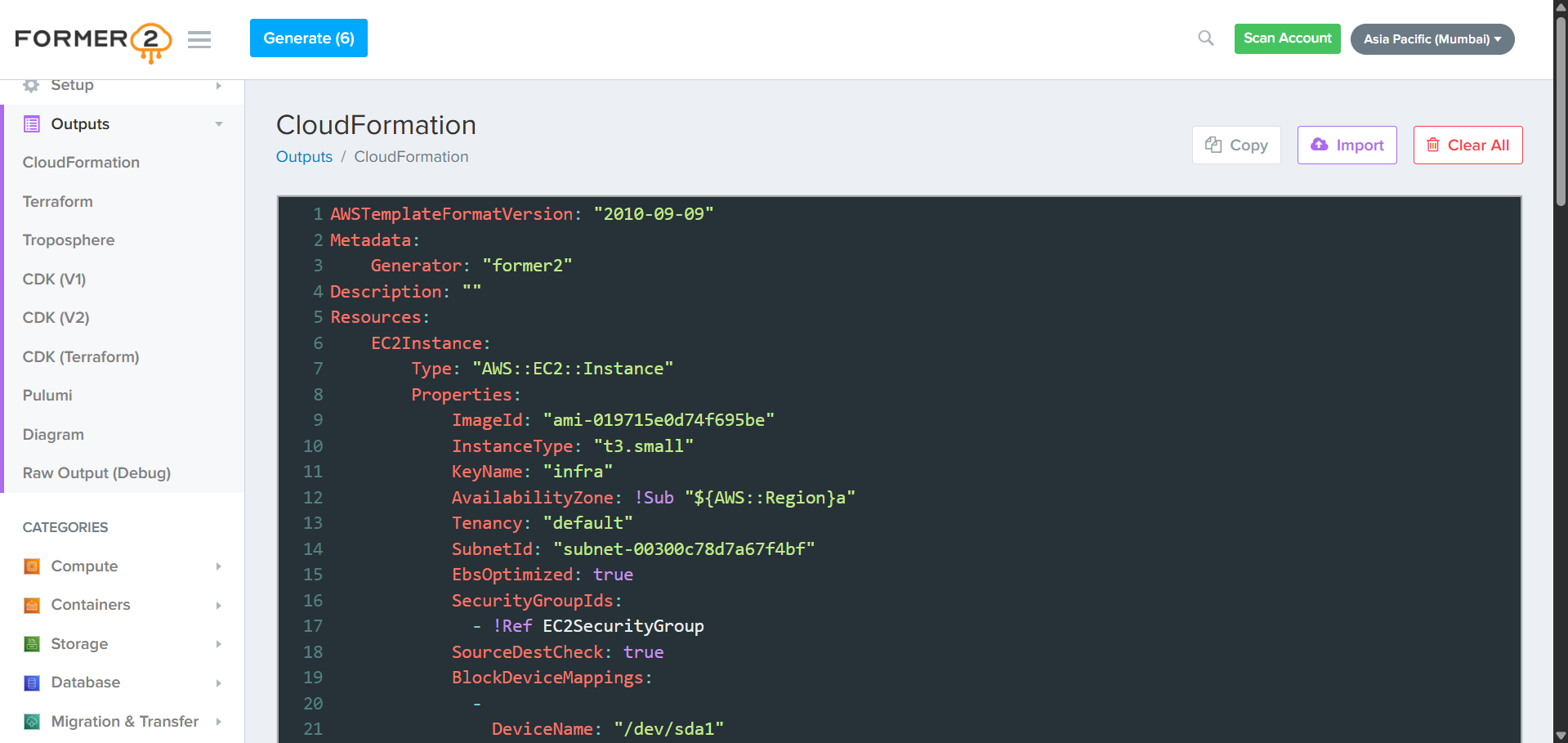
Note: it supports the AWS cloud and it is used for existing resources within your AWS account. Not a full Terraform replacement. Manual review is required, and some services may not convert fully.
RefDoc:
link texthttps://aws.amazon.com/blogs/opensource/accelerate-infrastructure-as-code-development-with-op en-source-former2/
Note: Not a full Terraform replacement. Manual review is required, and some services may not convert fully.
Tool to Convert CloudFormation to Terraform Tools
cf2tf 3.6k version v0.4.0 250 is out. This release has a ton of improvements over the previous versions.
Step 1: Install the python
Step2: Install with this command pip install cf2tf
step3: create file name vi my_template.yaml past the cloud formation template Use with:
cf2tf
Refdoc:
link texthttps://discuss.hashicorp.com/t/tool-to-convert-cloudformation-to-terraform/46704
NOTE: These tools save time, but manual review is still important for accuracy.
Comments (0)
No comments yet. Be the first to share your thoughts.
Leave a comment